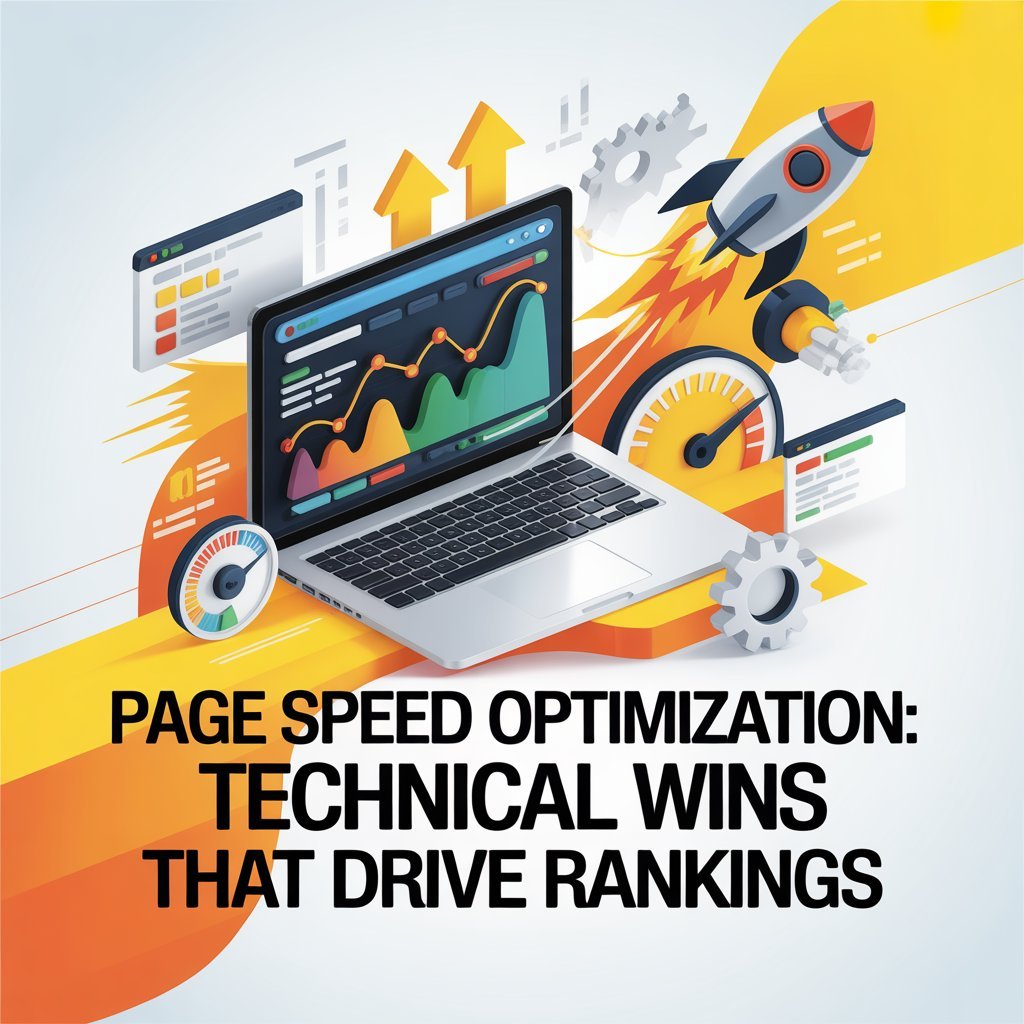
Your website’s loading speed can make or break your business. Studies show that 53% of mobile users abandon sites that take longer than three seconds to load. Even worse, slow websites rank lower in search results, costing you valuable traffic and customers.
The good news? Page speed optimization isn’t as complicated as it sounds. This guide breaks down practical, technical strategies that business owners can understand and implement to create a fast loading website that both users and search engines love.
Why Page Speed Matters More Than Ever in 2026
Google has been crystal clear: speed is a ranking factor. But it’s not just about pleasing algorithms. Fast websites create better user experiences, leading to:
- Higher conversion rates (up to 2x improvement)
- Lower bounce rates
- Increased page views per session
- Better mobile performance
- Improved customer satisfaction
When you focus on page speed optimization, you’re investing in both your search rankings and your bottom line.
Understanding Core Web Vitals
Before diving into fast loading website tips, you need to understand what Google actually measures. Core Web Vitals are three key metrics that determine your site’s performance:
Largest Contentful Paint (LCP)
LCP measures how quickly your main content loads. You want this under 2.5 seconds. If your hero image or primary text takes longer, visitors see a blank screen—and many won’t wait.
First Input Delay (FID) / Interaction to Next Paint (INP)
This measures responsiveness. When someone clicks a button, how fast does your site react? Aim for under 200 milliseconds. In 2026, Google now emphasizes INP, which tracks overall responsiveness throughout the user’s visit.
Cumulative Layout Shift (CLS)
Ever tried clicking a button, only to have the page shift and you click the wrong thing? That’s layout shift, and it’s frustrating. Your CLS score should be under 0.1.
Understanding these metrics is the first step in how to optimize site speed 2026 effectively.
Fast Loading Website Tips That Actually Work
Let’s get into actionable strategies. These fast loading website tips deliver measurable results without requiring a computer science degree.
1. Optimize and Compress Images
Images are typically the biggest culprits behind slow websites. They can account for 50-70% of your page weight. Here’s how to fix this:
- Convert images to modern formats (WebP or AVIF)
- Compress images before uploading (aim for under 100KB per image)
- Use responsive images that adjust to screen size
- Implement lazy loading so images load only when needed
This single change can improve your page speed optimization by 40-60%.
2. Minimize JavaScript and CSS
Your website’s code can bloat over time with unused scripts and stylesheets. Every extra line of code slows things down.
- Remove unused plugins and scripts
- Minify CSS and JavaScript files (compress them)
- Defer non-critical JavaScript to load after page content
- Use critical CSS to load essential styles first
These are essential fast loading website tips that developers often overlook.
3. Leverage Browser Caching
Browser caching stores parts of your website on visitors’ devices, so returning users experience lightning-fast load times.
Set appropriate cache durations:
- Static resources (logos, fonts): 1 year
- CSS and JavaScript: 1 month
- Images: 1 week to 1 month
Proper caching is a cornerstone of how to optimize site speed 2026.
Advanced Page Speed Optimization Techniques
Ready to take things further? These advanced strategies separate good websites from exceptional ones.
Content Delivery Network (CDN)
A CDN stores copies of your website on servers around the world. When someone in Japan visits your US-based website, they get content from a nearby server instead of waiting for data to travel across the Pacific.
Popular CDN options include:
- Cloudflare (great free tier)
- Amazon CloudFront
- Fastly
Implementing a CDN can reduce load times by 50% or more for international visitors.
Database Optimization
If you’re running WordPress or another CMS, your database accumulates clutter—old revisions, spam comments, expired transients. Regular database cleaning is crucial for page speed optimization.
- Delete post revisions
- Clear spam and trashed comments
- Remove unused tables from deleted plugins
- Optimize database tables monthly
Server Response Time (TTFB)
Time to First Byte (TTFB) measures how quickly your server responds to requests. Aim for under 600 milliseconds.
Improve TTFB by:
- Upgrading to faster hosting (shared hosting is often the bottleneck)
- Using PHP 8+ instead of older versions
- Implementing server-level caching
- Choosing a hosting provider with SSD storage
How to Optimize Site Speed 2026: Mobile-First Approach
With over 60% of searches happening on mobile devices, mobile page speed optimization
is non-negotiable. Here’s how to optimize site speed 2026 for mobile users:
Prioritize Mobile Performance
- Test on real devices, not just desktop simulators
- Reduce mobile page weight to under 1MB total
- Use Accelerated Mobile Pages (AMP) for content-heavy sites
- Implement touch-friendly buttons and navigation
Eliminate Render-Blocking Resources
Mobile networks are slower, making render-blocking resources particularly problematic. Critical resources should load first, with everything else deferred.
Optimize for 4G and 5G Networks
While 5G is expanding, many users still rely on 4G. Your page speed optimization strategy should work well on both.
Measuring Your Page Speed Success
You can’t improve what you don’t measure. Use these tools to track your page speed optimization progress:
Essential Testing Tools
- Google PageSpeed Insights: Official Google tool showing Core Web Vitals
- GTmetrix: Detailed performance reports with actionable recommendations
- WebPageTest: Advanced testing from multiple locations
- Chrome DevTools: Built-in browser tools for real-time testing
Setting Realistic Benchmarks
Don’t aim for a perfect 100 score—it’s often unnecessary and impractical. Instead:
- Target 90+ on mobile for critical pages
- Ensure Core Web Vitals are in the “Good” range
- Focus on consistent performance across all pages
- Monitor real user metrics, not just lab data
Common Page Speed Mistakes to Avoid
Even with good intentions, businesses make critical errors:
- Over-Optimizing: Obsessing over minor improvements while neglecting major issues
- Ignoring Mobile: Testing only on desktop and wondering why mobile users bounce
- Too Many Plugins: Each plugin adds overhead (WordPress sites average 20-30 plugins)
- Cheap Hosting: Saving $5/month on hosting while losing hundreds in conversions
- Not Testing After Updates: Changes that seem minor can significantly impact speed
The ROI of Page Speed Optimization
Let’s talk numbers. Amazon found that every 100ms of latency cost them 1% in sales. For a business doing $1 million annually, that’s $10,000 lost per tenth of a second.
When you implement proper page speed optimization and follow these fast loading website tips, you’re not just improving rankings—you’re directly impacting revenue.
Taking Action on Site Speed
Now you know how to optimize site speed 2026. The question is: what’s your first step? Start with the low-hanging fruit:
- Test your current speed using Google PageSpeed Insights
- Compress and optimize all images
- Enable browser caching
- Remove unused plugins and scripts
These four actions alone can improve load times by 2-3 seconds—enough to dramatically boost your rankings and user experience.
Remember, page speed optimization is an ongoing process, not a one-time fix. Set a quarterly reminder to review and optimize your site’s performance.
Ready to speed up your website? Start implementing these strategies today and watch your rankings—and conversions—soar.