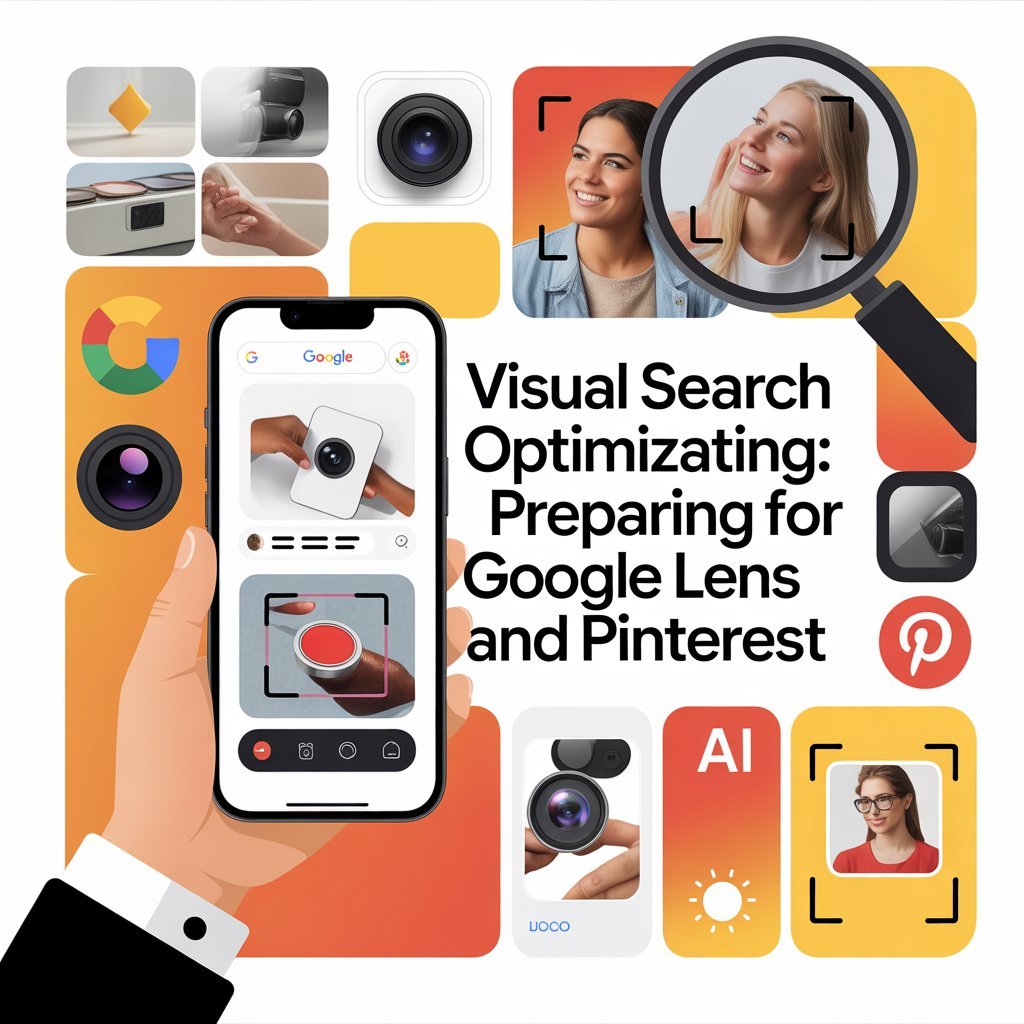
The way consumers search is evolving dramatically. Instead of typing queries, over 62% of millennials now prefer visual search over traditional text-based searches. For business owners, understanding visual search optimization isn’t just trendy—it’s essential for staying competitive in 2026.
This comprehensive guide shows you exactly how to rank in Google Lens 2026 and dominate Pinterest visual search, helping your business capture customers at the exact moment they’re ready to buy.
Understanding the Visual Search Revolution
Visual search optimization represents a fundamental shift in consumer behavior. Think about it: when someone sees a product they like, they can now simply snap a photo and find where to buy it instantly.
Why Visual Search Matters for Your Business
The numbers are compelling:
- Visual searches have grown 300% year-over-year
- 36% of consumers use visual search for online shopping
- Products optimized for visual search see 40% higher conversion rates
- Pinterest visual searches exceed 600 million monthly queries
- Google Lens processes over 3 billion visual searches monthly
If your business isn’t optimized for visual search, you’re invisible to a massive, growing audience actively looking to purchase.
How Google Lens Works in 2026
Understanding how to rank in Google Lens 2026 starts with knowing how the technology identifies and matches images.
Google Lens uses advanced AI to:
- Recognize objects, products, and landmarks
- Read and translate text within images
- Identify plant and animal species
- Match products to shopping sources
- Extract actionable information from images
When users point their camera at something, Google Lens instantly searches billions of images to find matches and relevant information. Your goal is ensuring your products and images appear in these results.
The Google Lens Ranking Factors
Visual search optimization for Google Lens considers:
- Image quality and clarity
- Surrounding text content and context
- Structured data implementation
- Image metadata and alt text
- Website authority and trustworthiness
- User engagement signals
- Mobile optimization
Essential Steps to Optimize Images for Visual Search
Let’s get practical. Here’s exactly how to optimize images for visual search success.
1. Image Quality is Non-Negotiable
High-resolution, clear images are the foundation of visual search optimization:
- Use minimum 1200px width for product images
- Ensure proper lighting without harsh shadows
- Photograph products from multiple angles
- Maintain consistent white or neutral backgrounds
- Avoid watermarks that obscure the product
- Use professional photography whenever possible
Poor quality images simply won’t rank, regardless of other optimization efforts.
2. Strategic Image File Naming
File names directly impact how to rank in Google Lens 2026:
Bad: IMG_1234.jpg, photo.png, download.jpeg Good: red-leather-handbag-crossbody.jpg, mens-blue-cotton-shirt-medium.jpg
Include:
- Primary product descriptors
- Color, material, or key features
- Separate words with hyphens
- Keep names under 70 characters
- Use lowercase letters
3. Comprehensive Alt Text
Alt text is crucial for visual search optimization:
Bad Alt Text: “image1”, “product”, “photo” Good Alt Text: “Red leather crossbody handbag with gold chain strap and zipper closure”
Effective alt text:
- Describes the image accurately and specifically
- Includes relevant keywords naturally
- Stays between 125-155 characters
- Focuses on what’s visible in the image
- Avoids keyword stuffing
4. Implement Structured Data
Structured data dramatically improves how to optimize images for visual search: Use Schema.org markup for:
- Product schema (price, availability, ratings)
- Image object schema
- Organization schema
- Breadcrumb schema
This helps Google understand your images’ context and display rich results in visual searches.
Pinterest Visual Search Optimization
Pinterest processes over 5 billion visual searches monthly, making it essential for visual search optimization strategy.
Understanding Pinterest Lens
Pinterest Lens allows users to:
- Photograph objects to find similar items
- Discover related products and ideas
- Get instant shopping recommendations
- Explore style variations
For businesses, appearing in Pinterest Lens results means reaching highly motivated buyers at peak purchase intent.
Pinterest-Specific Optimization Tactics
Pin Image Specifications:
- Aspect ratio: 2:3 (1000 x 1500 pixels ideal)
- Vertical orientation performs 67% better
- High-resolution, visually appealing images
- Text overlays should cover less than 20% of image
- Brand logo subtly placed
Rich Pins Implementation: Rich Pins automatically sync information from your website, including:
- Product pricing and availability
- Recipe ingredients and cooking times
- Article headlines and descriptions
Implementing Rich Pins improves your visual search optimization by providing detailed, updated information directly in search results.
Pinterest SEO Best Practices
To optimize images for visual search on Pinterest:
- Write keyword-rich pin descriptions (150-300 characters)
- Include relevant hashtags (5-10 per pin)
- Create multiple pins for each product
- Organize boards with descriptive names
- Maintain consistent pinning schedule
- Engage with community through comments and repins
Technical Requirements for Visual Search Success
Beyond individual images, your website’s technical foundation impacts how to rank in Google Lens 2026.
Mobile Optimization is Critical
Over 80% of visual searches happen on mobile devices:
- Implement responsive design
- Ensure fast mobile load times (under 3 seconds)
- Use mobile-friendly image formats (WebP)
- Enable Accelerated Mobile Pages (AMP)
- Test on multiple devices regularly
Image Delivery Optimization
Fast-loading images are essential for visual search optimization:
- Use Content Delivery Networks (CDNs)
- Implement lazy loading for below-the-fold images
- Compress images without quality loss
- Use next-gen formats (WebP, AVIF)
- Set up proper caching headers
Sitemap Optimization
Create a dedicated image sitemap:
- Include all product images
- Add image captions and titles
- Specify geographic location if relevant
- Update regularly with new images
- Submit to Google Search Console
Content Strategy for Visual Search
Successful visual search optimization extends beyond technical implementation.
Create Visually Rich Content
- Develop product lifestyle photography
- Create infographics that solve customer problems
- Produce behind-the-scenes brand imagery
- Share user-generated content
- Design comparison charts and visual guides
Leverage User-Generated Content
Encourage customers to share photos:
- Create branded hashtags
- Feature customer photos on your site
- Run photo contests
- Request reviews with images
- Optimize images for visual search from all sources
User photos often rank well because they show real-world product usage.
Measuring Visual Search Success
Track these metrics to gauge your visual search optimization performance:
Key Performance Indicators
- Image search impressions in Google Search Console
- Traffic from Google Lens (check referral sources)
- Pinterest Lens impressions and clicks
- Click-through rates on visual search results
- Conversion rates from visual search traffic
- Image ranking positions for target keywords
Tools for Monitoring
- Google Search Console (Performance report filtered by images)
- Pinterest Analytics (Impressions and engagement data)
- Google Analytics (check referral sources for lens.google.com)
- Third-party SEO tools (SEMrush, Ahrefs for image tracking)
Future of Visual Search
Understanding where visual search optimization is heading helps you stay ahead:
Emerging Trends for 2026 and Beyond
- AR Integration: Augmented reality features in visual search
- Voice + Visual: Combined voice and visual search queries
- AI Recognition: More sophisticated product identification
- Social Commerce: Direct purchasing through visual search
- Video Search: Visual search expanding to video content
Businesses investing in how to rank in Google Lens 2026 now will dominate these emerging opportunities.
Common Visual Search Optimization Mistakes
Avoid these pitfalls that undermine visual search optimization efforts:
- Low-Quality Images: Blurry, poorly lit, or pixelated photos
- Missing Alt Text: Leaving alt attributes empty or generic
- Slow Loading: Large file sizes that delay page rendering
- Inconsistent Naming: Random or meaningless file names
- No Structured Data: Missing schema markup opportunities
- Duplicate Images: Using identical images across multiple products
- Ignoring Mobile: Desktop-only optimization approach
Taking Action on Visual Search
Ready to implement visual search optimization? Start with this 30-day plan:
Week 1: Audit current images and create quality improvement plan
Week 2: Implement proper file naming and alt text across site
Week 3: Add structured data markup for all products
Week 4: Create Pinterest business account and optimize first 20 pins
Remember, how to optimize images for visual search is an ongoing process. Visual search technology evolves rapidly, requiring continuous adaptation and improvement.
The businesses winning in visual search aren’t necessarily those with the biggest budgets—they’re the ones consistently implementing best practices and staying current with platform updates.
Ready to dominate visual search? Start optimizing your images today and watch your visibility—and sales—soar.