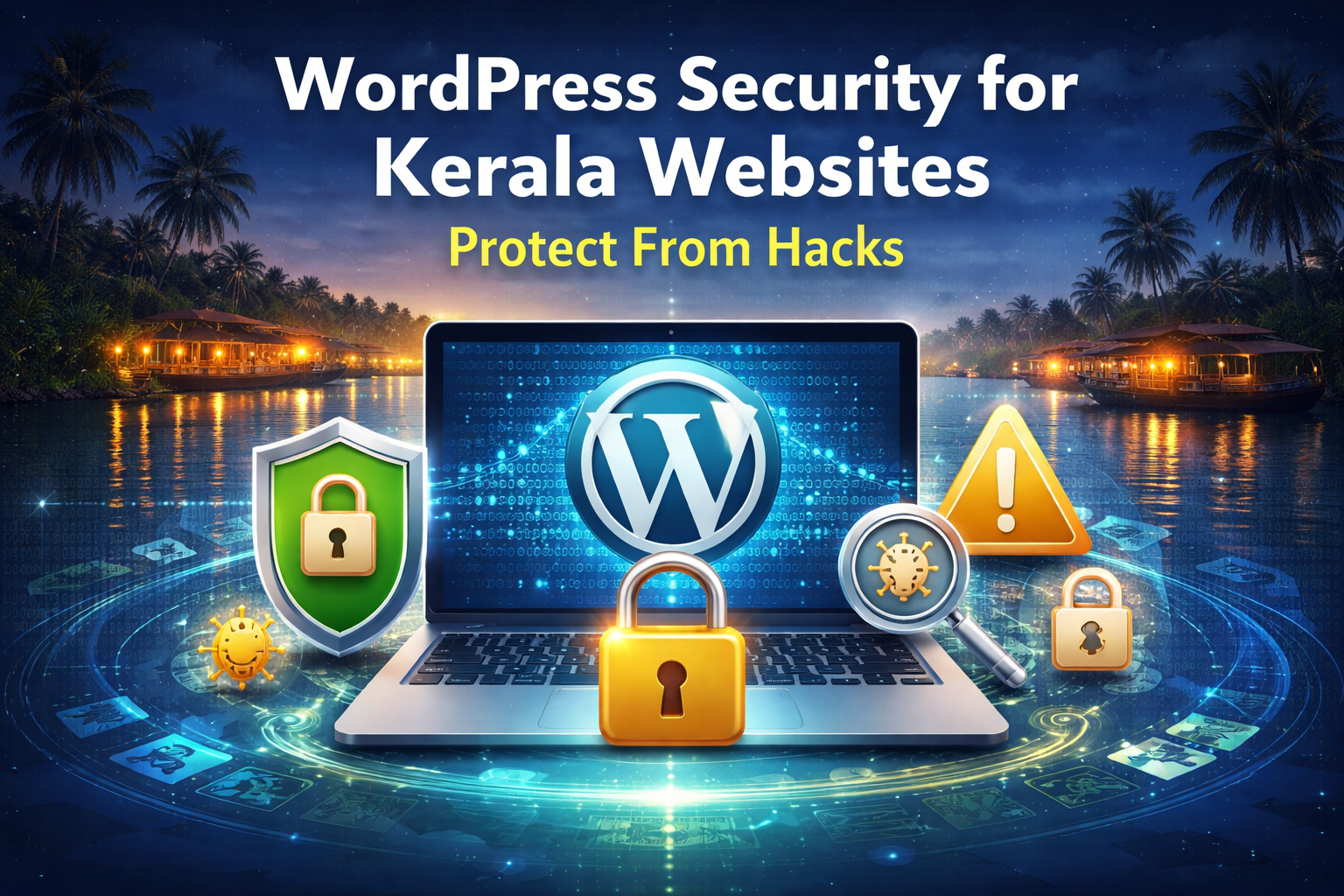
For businesses, bloggers, and service providers in Kerala, maintaining a secure digital presence is essential. Cyber-attacks have increased globally, and Kerala is no exception. Whether you run a travel website, an online store, a hospital portal, or a professional blog, WordPress Security for Kerala Websites plays a critical role in protecting your data, customers, and brand reputation.
This guide explains how Kerala-based website owners can safeguard their platforms, what threats they should watch out for, and how to apply Kerala Website Protection Tips and Secure WordPress Development Kerala strategies effectively.
Why WordPress Security for Kerala Websites Matters Today
Kerala has a rapidly growing digital economy, with businesses relying heavily on WordPress websites for marketing, sales, tourism, healthcare, and online services. With this growth comes increased risk.
Common security threats affecting Kerala websites include:
- Malware injections
- Brute-force login attempts
- SQL injections
- Website defacement
- Data theft
- Fake redirects
- Ransomware
These attacks can disrupt business, damage your reputation, and lead to financial loss. That’s why focusing on strong website protection is essential.
Understanding the Most Common WordPress Vulnerabilities
Even though WordPress is highly secure, vulnerabilities usually arise from:
- Outdated plugins or themes
- Weak passwords
- Poor hosting security
- Missing firewalls
- Inadequate malware monitoring
- Unsafe third-party integrations
Many businesses in Kerala unknowingly leave their sites exposed simply by skipping updates or using unsupported plugins.
Essential Kerala Website Protection Tips (Beginner to Advanced)
To strengthen your security, here are practical Kerala Website Protection Tips suitable for local and international audiences:
1. Use Strong, Unique Passwords
Avoid easy passwords like admin123 or Kerala2024.
Use combinations of uppercase, lowercase, numbers, and symbols.
2. Enable Two-Factor Authentication (2FA)
This adds a second layer of login protection—especially important for sites with multiple users.
3. Keep Everything Updated
Outdated plugins and themes are the No.1 reason behind WordPress hacks.
Regular updates help close security holes.
4. Install a Firewall Plugin
A website firewall blocks suspicious traffic before it can reach your site.
5. Choose Secure Hosting
Opt for hosting providers offering:
- Malware scanning
- Automatic backups
- DDoS protection
- Hardened servers
6. Limit Login Attempts
This prevents bots from endlessly trying to guess your password.
7. Use HTTPS (SSL Certificate)
Essential for security, SEO, trust, and online payments.
8. Schedule Regular Backups
Backups ensure you can recover your site quickly if something goes wrong.
9. Remove Unused Plugins
Less clutter = fewer vulnerabilities.
10. Use a Security Scanner
Tools help detect malware, unauthorized changes, or suspicious activity early.
Secure WordPress Development Kerala – Why Professional Help Matters
Businesses in Kerala—especially tourism companies, hotels, hospitals, e-commerce stores, colleges, and transport services—often rely on professional developers to ensure long-term security.
Secure WordPress Development Kerala experts typically offer:
- Security-hardened coding practices
- Regular security audits
- Secure APIs and payment gateways
- Malware removal and cleanup
- Ongoing monitoring and backups
- Server-level firewall configuration
- Safe plugin/theme custom development
Professional support ensures your website stays protected as cyber threats evolve.
How Hackers Target Kerala Websites (Real Examples)
Hackers often target websites in Kerala because:
- Many small businesses overlook digital security
- Tourism and taxi websites are high-traffic, making them valuable targets
- Local sites often have outdated CMS versions
- Weak hosting environments are more affordable but less secure
A common example is malware redirect attacks—where visitors are quietly redirected to spam or phishing sites. Another common attack is brute-force login attempts using Kerala-specific keywords and names.
How to Recover After a Malware Attack
If your WordPress site get compromised:
- Immediately change all passwords
- Take the site temporarily offline
- Scan and remove infected files
- Restore from a clean backup
- Harden the site with improved security
- Conduct a full audit to close all vulnerabilities
Getting professional help can significantly reduce downtime and prevent repeat attacks.
Best Practices for Long-Term Website Security
To keep your Kerala website safe for the long run:
- Conduct monthly security reviews
- Avoid pirated themes/plugins
- Use a reputable CDN for global visitors
- Enable IP blocking for suspicious regions
- Track admin login history
Consistent maintenance is the key to staying protected.
Final Thoughts
In today’s digital era, investing in WordPress Security for Kerala Websites is not optional—it’s essential. A secure site builds trust, protects customer information, and ensures uninterrupted business growth.By applying the right Kerala Website Protection Tips, upgrading your hosting, and following Secure WordPress Development Kerala practices, you can ensure that your website stays safe, fast, and reliable for visitors from India and around the world.